AI in accounting is the application of machine learning, automated document extraction, and local AI operators to handle repetitive data tasks like bookkeeping, reconciliation, tax preparation, and invoice entry without compromising client confidentiality.
While generic chatbots stop at your browser tab and consumer-grade public clouds risk compliance audits, modern financial automation runs locally on your desktop. It connects your disconnected files, accounting systems, and bank statement PDFs, turning manual data-entry loops into seamless background tasks.
Building a secure, modern accounting stack requires integrating specialized automation tools that bridge the gap between bank statement PDFs, general ledgers, and tax portals. Rather than relying on a single, expensive platform, high-performing firms use a modular "best-of-breed" software suite.
When structuring your firm's automation stack, ensure your software covers these four core pillars:
- Automated Bookkeeping Platforms: AI tools can automate transaction categorization and close the books up to 5x faster than manual offshore services.
- Document Processing & OCR: Tools extract key data from invoices and receipts, cutting manual processing times down to less than 45 seconds per document.
- Dedicated Reconciliation Engines: Specialized reconciliation software connects bank feeds with matching ledgers to identify discrepancies automatically, lowering transaction error rates to under 0.1%.
- Secure Desktop Operators: Local desktop applications like Cortex Workspace act as a secure bridge, letting you automate tasks across QuickBooks, local PDFs, and browsers without sending sensitive client data to external public clouds.
To see a complete comparison of the industry's top-rated automation platforms (e.g. Claude, ChatGPT, Xero, Cortex Workspace), read our 12 Best AI Tools for Accountants in 2026 guide.
AI will not replace accountants, but AI-augmented accounting professionals are rapidly replacing those who remain tethered to manual data-entry routines.
The primary impact of automated intelligence is the elimination of junior-level compliance grunt work, not juniors.
The transition from a manual "data entry" state to an automated "data advisory" model is happening across several core pillars:
- The Compliance Squeeze: Traditional compliance services are experiencing downward price pressure. Modern clients no longer pay for data entry; they pay for strategic insights on cash flow, tax optimization, and capital allocation.
- The Human-in-the-Loop Safeguard: Professional judgment remains irreplaceable. AI acts as an execution engine, while the accountant serves as the critical auditor who validates, signs off, and communicates insights to the client.
The Professional Perspective: AI does not replace accountants. It actually accelerates your career path.
To explore this pipeline shift, read our in-depth analysis: Will AI Replace Accountants?
Tax preparation is notoriously bottlenecked by disorganized client intakes. AI workflows automate this phase by extracting structured numbers from 1099s, W-2s, and bank statements, then populating your internal tax templates instantly.

- The Manual Pain: Opening 50 different client PDFs, copying and pasting social security numbers and income values into tax spreadsheets, and searching for missing documents over back-and-forth emails.
- The Automated State: An AI desktop operator reads the downloads folder, processes all incoming tax documents, extracts key values, and formats them into a clean, audit-ready CSV.
To implement these workflows and see step-by-step examples of intake automation, read our Best AI Tools for Tax Preparation in 2026 guide.
Manual invoice processing is a significant source of operational leaks and billing delays. Automated invoice processing software solves this by instantly reading line-item details, verifying vendor terms, and writing the entries directly to your ERP.
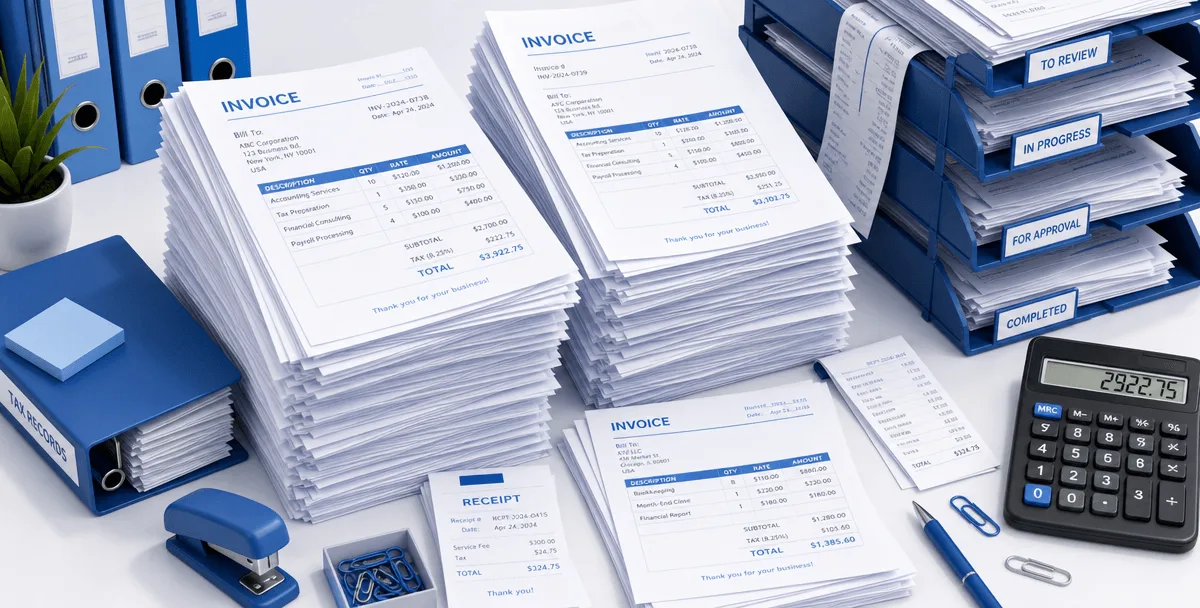
- The Manual Pain: Manually keying invoice numbers, vendor names, line items, and VAT details into accounting software for hundreds of monthly bills.
- The Automated State: Invoices are automatically scraped from incoming emails, OCR-parsed, and updated in your ledger for batch payment approval.
To evaluate the operational ROI and see how to cut processing times by 90%, read our Invoice Processing Software Benefits guide.
Account reconciliation is the backbone of financial accuracy, but manually matching thousands of ledger entries against bank statement rows is incredibly slow. Smart reconciliation software automatically pairs transactions based on date, amount, and reference cues, instantly surfacing anomalies.
- The Manual Pain: Shuttling between an Excel ledger and a bank portal, highlighting matching lines one by one, and manually investigating every minor rounding error.
- The Automated State: A local script runs in the background, matching over 95% of transactions in seconds and highlighting the exact 5% of discrepancies that require human audit.
To learn how to set up automated rules and handle complex multi-currency reconciliations, read our Account Reconciliation Software Guide.
Free Accounting Automation Prompts
Start automating your workflow today with Cortex Workspace!
Get the prompts
Quarterly reporting is a major time sink, requiring compilation of multiple disconnected files. Automating your reporting pipeline from raw ledger data to finalized client slides allows you to deliver professional financial reports in minutes.
- The Manual Pain: Manually gathering trial balances, reconciling statements, translating rows into charts, and copy-pasting numbers into PowerPoint slides.
- The Automated State: A secure desktop pipeline extracts raw ledger figures, auto-calculates key metrics, and populates client-ready balance sheets and presentation reports.
To automate your reporting pipeline, check out our Financial Reporting Automation Guide (2026).
Enterprise auditing demands the highest standards of data privacy and data integrity. Because accountants are legally bound by strict client-confidentiality regulations (such as SOC 2 and GDPR), using public cloud models that store or train on client financial data is a major compliance risk.
Modern boutique firms are solving this by building local, secure AI workspaces that process sensitive document packages entirely on-device:
| Criteria | Public Cloud Chatbots | Secure Local AI Workspaces |
|---|
| Data Processing | Sent to external servers | Done locally on-device |
| Data Retention | Used to train public models | Stored locally, never trained |
| Audit Log | Hard to track and control | Fully captured and auditable |
| Performance | Network and API-dependent | High-speed, local RAM |
To design a secure on-device workspace and protect your firm from compliance leaks, read our blueprint for AI Workspaces for Boutique Audit Firms.
For copy-paste prompts that you can immediately run inside your local workspace to automate bookkeeping and receipts extraction, see How to Automate Your Accounting Workflow with AI.