The best AI for tax preparation in 2026 depends on your workflow: Dext and AutoEntry for document intake, Keeper for ledger review and client portals, TaxGPT and Blue J for statutory research, and Cortex Workspace for secure, local multi-document synthesis. This guide compares each category from a practicing CPA perspective.
For decades, tax firms accepted administrative overhead as unavoidable. Teams spent the first 60 days of the year manually typing numbers from W-2s, 1099s, and K-1s into legacy software, leaving little energy for planning. Modern AI tools automate that data transfer and document chasing so practitioners can focus on advisory work. For a broader accounting stack comparison, see Best AI Tools for Accountants in 2026. For every accounting workflow in one place, start with our AI in Accounting guide.
AI automates structured, repeatable tax prep tasks (document extraction, transaction categorization, and research lookup) but cannot replace professional judgment on grey areas of the tax code. Separate marketing hype from practical utility before building your stack.
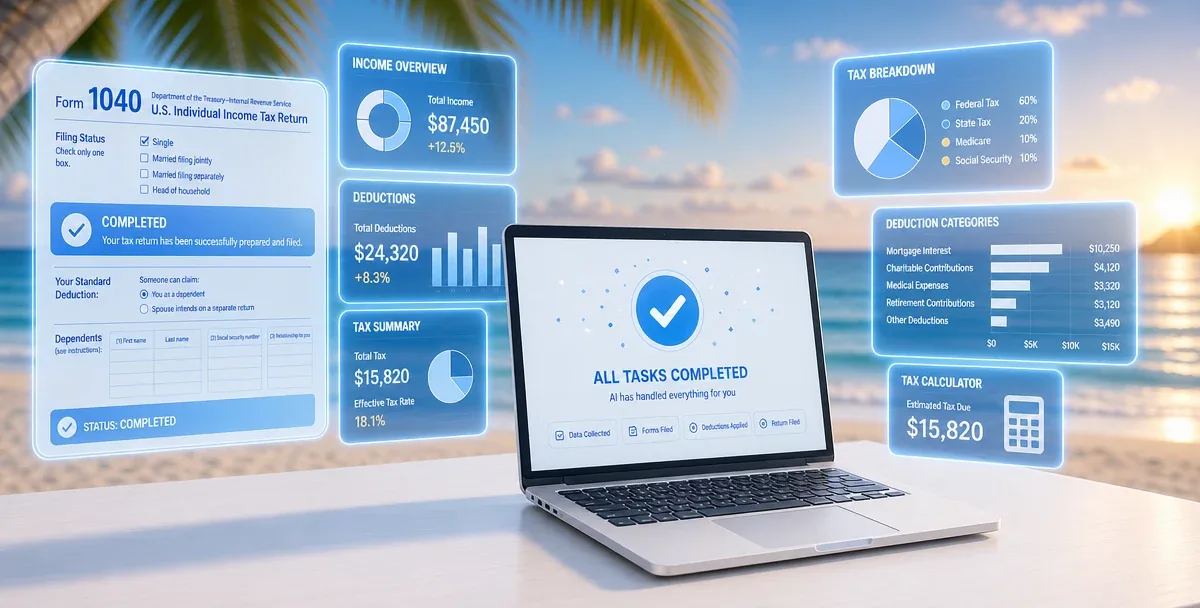
Document extraction is the highest-volume tax season bottleneck. Scraping numbers from W-2s, 1099-NECs, and K-1s into preparation software takes hours of focused manual effort per client.
LLM-based parsing models read tax documents semantically, locating the correct box on a wrinkled form or non-standard layout and extracting wages, withholdings, and federal ID numbers in under 45 seconds per document. Cortex Workspace parses incoming PDFs locally, extracting key variables inside your private workspace without uploading sensitive client tax forms to public cloud platforms. See also How AI Agents Automate Document Processing.
Transaction categorization for IRS Schedule C filing is a massive bottleneck when vendor names change or transactions are ambiguous.
AI categorization tools evaluate semantic meaning: instead of flagging "Adobe Systems" as uncategorized, the model recognizes the software vendor, maps it to "Dues and Subscriptions," and flags it for quick human review. You shift from manual entry clerk to exceptions manager, feeding categorized items into Excel-based tax worksheets before trial balance.
Tax research across the IRC, Treasury Regulations, and IRS revenue rulings can take hours per complex client question (1031 exchanges, Section 1202 QSBS, etc.).
Generative AI trained on tax-legal databases summarizes relevant codes, court cases, and administrative guidance in seconds. Specialized engines like TaxGPT and Blue J excel at broad statutory search. Cortex Workspace complements them by searching your firm's local repository of past tax opinions, client folders, and internal checklists so you can see how your team resolved a similar issue last year.
The 2026 AI tax tool market splits into four categories: document intake, workflow management, statutory research, and secure desktop orchestration. Understanding what each tool does (and cannot do) is essential for a functional tech stack.
| Tool / Platform | Primary Focus | Best For |
|---|
| Cortex Workspace | Desktop orchestration and privacy | Multi-doc synthesis and secure drafting |
| Dext / AutoEntry | Receipt and invoice intake | High-volume SMB bookkeeping |
| Keeper | Ledger review and portals | Client communication and 1099s |
| CoCounsel / Blue J / TaxGPT | Legal and tax research | Technical tax planning and memos |
Dext, AutoEntry, and Basecone are industry workhorses for basic document extraction. If you manage high-volume compliance for small businesses or sole proprietors, these tools are indispensable.
- Key capabilities: High-accuracy extraction of receipts, invoices, and utility bills, mapped into QuickBooks Online or Xero.
- Primary limitations: Built strictly for ingestion. They cannot resolve complex tax questions, write memos, or manage client-facing tax workflows.
Keeper is a premier AI-driven workflow layer for small to mid-sized firms managing ongoing bookkeeping and tax preparation.
- Key capabilities: Scans client ledgers for inconsistencies, uncategorized expenses, or missing write-offs; compiles open questions into a client portal.
- Primary limitations: Deeply dependent on QuickBooks Online. No legal tax research or specialized PDF parsing for complex filings.
For technical tax planning, Blue J, CoCounsel (Thomson Reuters), and TaxGPT represent the state of the art.
- Key capabilities: Natural-language queries with citations to the IRC, state statutes, and treasury regulations; structured research memos.
- Primary limitations: Isolated research environments. You must manually copy client scenarios into their interfaces; they do not connect to local ledger folders.
Cortex Workspace is a desktop AI agent that sits alongside your existing tax tools and handles repetitive document work locally. It does not replace tax judgment. It removes the repetitive intake, cross-referencing, and drafting that happens before review and sign-off can start.
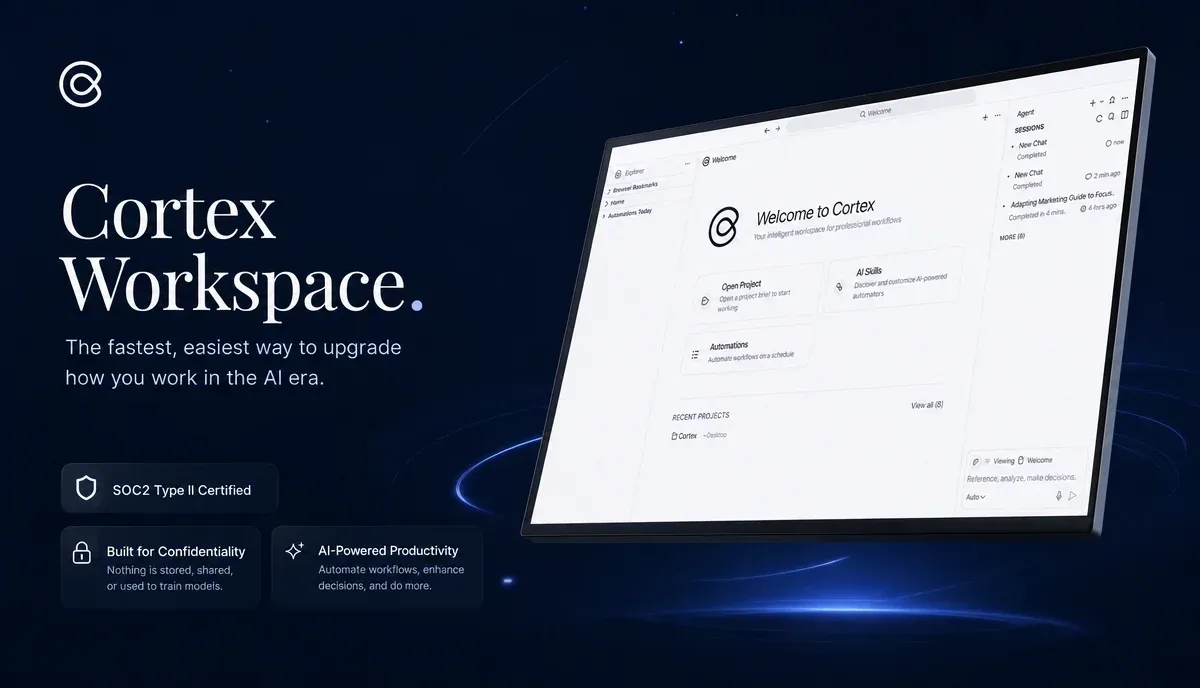
Many firms hesitate to adopt AI because of security, cost, and tool fragmentation. Legacy tax suites like UltraTax and Lacerte are slow to integrate modern APIs, forcing practitioners to copy sensitive client data between browser tabs. That manual jumping is where errors occur. For step-by-step firm workflows, see How to Automate Your Accounting Workflow.
Cortex Workspace is a desktop AI agent for professionals working with documents all day. It sits alongside your existing tools and handles repetitive tasks that slow your team down. Every step is visible, requires your approval, and can be taken over manually anytime.
When you are no longer drowning in manual data entry and file organizing, cognitive energy shifts to financial analysis, strategic tax savings, and client advisory. Explore detailed workflows on the Cortex Accounting Solutions page.

#1. Multi-Document Context Synthesis
During tax prep, you cross-reference ledgers with bank statements, paystubs, and prior-year memos, not a single document.
Cortex operates on your local desktop. Point it at a client folder and query multiple documents in one thread without uploading files to public servers:
Analyze the April transaction ledger in sample_ledger.xlsx and cross-reference it with the bank statement PDFs. Identify any expenses over $500 that lack matching invoices or receipts.
This eliminates opening, reading, and comparing multiple files manually.
Accountants handle Social Security Numbers, corporate bank details, and salary histories. Under the FTC Safeguards Rule and Gramm-Leach-Bliley Act (GLBA), uploading unredacted client files to public AI tools is a major compliance risk.
Cortex runs private queries on your machine through secure, enterprise-grade endpoints that do not use client data to train public models. The local security model lets you leverage AI speed without data-leak exposure during compliance audits.
After completing a return, practitioners often spend 15 minutes drafting an email explaining why tax liability increased or why an expense was disallowed under Section 274.
Cortex reads a finished tax summary from local files and drafts a client email with professional tone, key numbers, and next steps, cutting drafting time to seconds.
Tax firms must treat AI as co-pilot, not signer: the legal liability for every return rests on the licensed human preparer.
LLMs can hallucinate invented IRC sections, fabricated case law, or plausible but wrong reconciliations. Implement a strict review protocol:
- Enforce the human-in-the-loop rule: Never deliver an AI-generated draft, memo, or calculation to a client without experienced staff review.
- Verify every statutory citation: If an AI tool cites an IRC section or revenue ruling, manually confirm it exists and is current.
- Establish secure local workspaces: Process sensitive documents in desktop systems like Cortex Workspace rather than pasting unredacted data into public web interfaces.
Clients often ask, "Can AI do my taxes?" AI dramatically accelerates preparation and review, but professional oversight remains non-negotiable. For the broader career impact of AI on the profession, see Will AI Replace Accountants?.