AI is reshaping industries, and auditing is no exception. AI tools for compliance audit preparation are transforming how traditional financial audits are conducted, streamlining processes and making them far more efficient. In practice, audit ai approaches and modern ai audit software help standardize workflows without sacrificing professional judgment.
However, the promise of AI in auditing has run into a practical wall: freelance auditors and boutique accounting firms are drowning in software subscriptions. Juggling dozens of single-purpose ai audit software tools—one for parsing PDF bank statements, another for Excel ledger reconciliation, and a third for drafting compliance reports—creates its own administrative bottleneck.
For teams with limited headcount, the solution is not more fragmented software. What boutique firms genuinely need is a unified, local-first AI workspace that runs secure, "anti-silo" multi-document queries across all their files simultaneously, balancing the power of automated machines with irreplaceable human expertise—essentially acting as an assistive ai auditor embedded in your existing workflow and audit management software.
For the complete AI-in-accounting overview — tools, workflows, and secure automation — see our AI in Accounting guide.
If you're wondering, is ai being used in auditing? The answer is yes: artificial intelligence audit techniques are revolutionizing the auditing landscape by introducing innovative efficiencies. It streamlines tasks that were once time-intensive and laborious, allowing human auditors to focus on more analytical responsibilities.
One significant transformation is enhanced data analytics. AI audits can process vast volumes of data quickly, identifying trends and anomalies that may not be visible to human eyes. Additionally, the use of AI in audits improves risk assessment procedures, allowing for more accurate predictions and proactive risk mitigation.
The core benefits of integrating AI into the auditing process include:
- Faster Data Processing: Crunching months of financial transactions in seconds.
- Improved Trend and Anomaly Detection: Instantly flagging outliers or unusual activity.
- Enhanced Risk Assessment: Moving from reactive checking to predictive modeling.
- Streamlined Audit Workflows: Standardizing audit trails across client accounts.
Moreover, AI aids in fraud detection through sophisticated algorithms that identify discrepancies and suspicious activities efficiently, protecting organizations from potential financial losses.
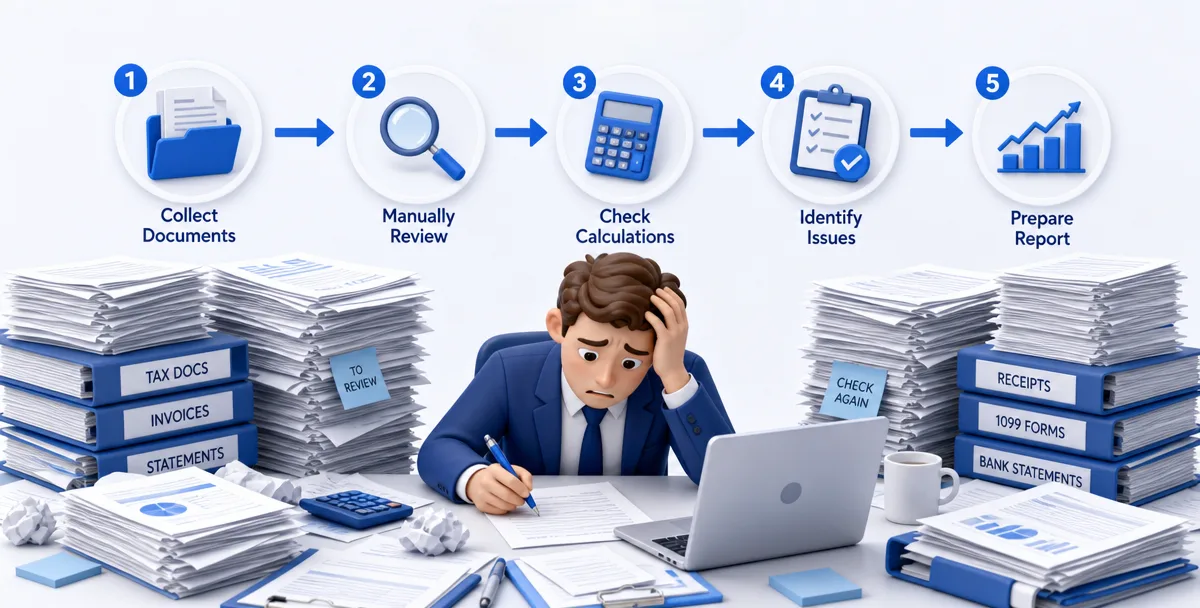
While AI holds incredible potential, choosing the right software and management tools is critical. Paying for and learning dozens of separate micro-utilities eats into the thin margins of growing boutique practices. Relying on fragmented ai audit software also increases switching costs and confuses standards.
- Siloed Context: A tool that only parses PDFs cannot reconcile figures with an Excel general ledger or verify compliance points in a Word-based audit report.
- Subscription Bloat: Managing multiple credentials and billing cycles creates a massive administrative headache.
- Security & Compliance Risks: Uploading highly sensitive corporate financial records and client tax IDs into multiple cloud-based AI portals risks violating strict FTC Safeguards and GLBA compliance regulations.
Boutique firms and freelance CPAs must run rigorous, enterprise-grade audits with a fraction of the headcount. An integrated AI workspace solves this by acting as a localized, central command center that sits on top of all your existing client files, folders, and spreadsheets—functioning as practical audit management software within a single environment.
Auditing is inherently cross-document. To audit a single transaction trail, an auditor must cross-examine a PDF invoice, multiple Excel ledger sheets, a prior-year tax file, and a draft Word report.
Traditional AI audit tools force you to process these files one by one. An "anti-silo" AI workspace like Cortex, however, lets you load and query all of these disparate file formats in a single, secure desktop environment. Whether implemented in-house or through complementary ai audit services, the goal is the same: reduce context switching and preserve full-document provenance.
By utilizing local context, you can ask your workspace semantic questions across your entire client folder:
"Cross-reference the April bank statement PDFs with the transaction logs in sample_ledger.xlsx and flag any disbursements over $5,000 that do not have a matching invoice."
This capability removes the manual file-conversion steps and gives boutique firms the analytical capacity of an enterprise-level audit team.
To understand the real-world impact of an AI workspace, look at how an enterprise-level accounting firm optimized their tax audit reviews using Cortex Workspace.
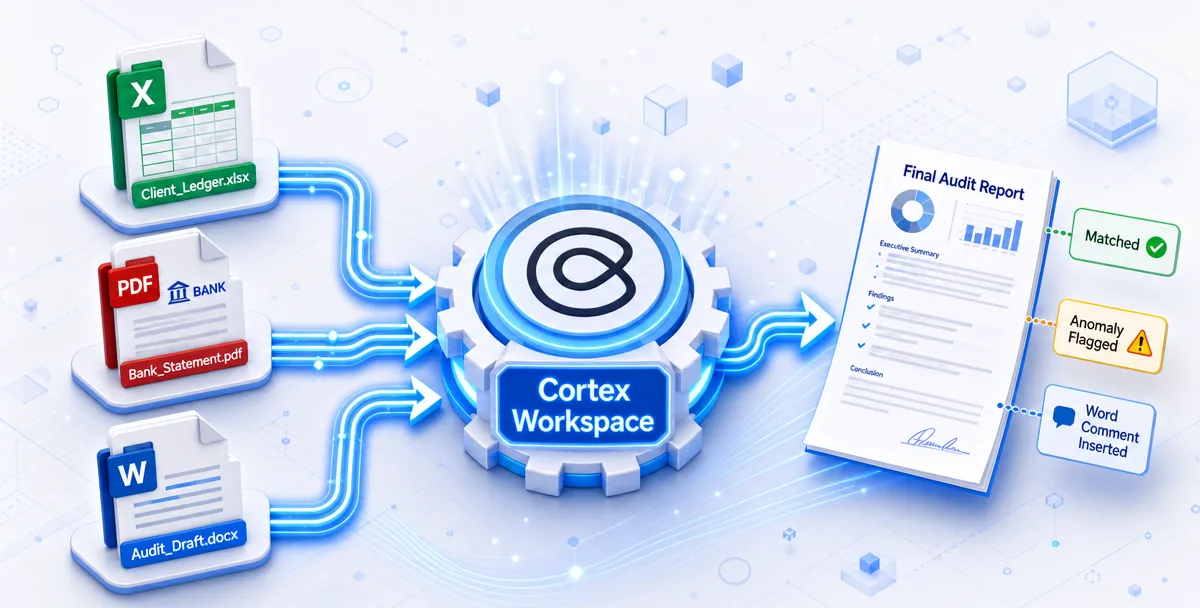
In traditional tax audit reviews, verifying the consistency between the final audit report (Word) and its supporting working papers/appendices (multiple Excels and PDFs) relied entirely on manual labor.
- The Process: A reviewer had to flip page-by-page and line-by-line to verify over 20+ distinct, highly detailed checkpoints.
- The Bottleneck: This process took approximately 1 to 2 hours per report. It was highly dependent on personal experience, extremely repetitive, prone to human error, and inconsistent across different reviewers.
By introducing Cortex Workspace as their unified AI workspace, the firm automated the repetitive matching of key figures across reports and appendices, essentially letting the system perform as a supportive ai auditor while keeping humans in control:
- Instant Ingestion: Cortex simultaneously read the client's Word report drafts, Excel working papers, and PDF bank statements.
- Rapid Matching: It automatically identified, compared, and matched figures across all files, reducing the entire review cycle to just 10 to 20 minutes (an 80% time saving).
- High-Precision Output: Cortex completed the cross-checks with an accuracy rate of over 95%.
Unlike standalone AI tools that output error reports in external, disconnected text files, Cortex Workspace respects the existing auditing workflow.
Cortex automatically identifies discrepancies and highlights them by inserting native comments directly into the client's Word document. This means the reviewer does not have to copy-paste or switch between programs; they can review, adjust, and approve the highlighted discrepancies within their normal Word editor. This frictionless integration frees human auditors to focus 100% of their energy on complex professional judgment.
The debate around AI auditors vs. human auditors is intensifying. Many leaders still ask, will ai replace auditors? While AI excels in data analysis, pattern recognition, and speed, it lacks human intuition and critical thinking—key traits necessary for nuanced evaluations.
Here's how AI compares to human auditors in a balanced auditing ecosystem:
| Feature | AI Capabilities | Human Expertise |
|---|
| Data Processing | Ultra-fast; handles massive volumes effortlessly. | Limited speed; prone to fatigue during bulk reviews. |
| Pattern Recognition | Detects subtle anomalies and trends instantly. | Relies on historical experience and sample sets. |
| Decision Making | Quantitative; based strictly on parameters. | Offers deep qualitative judgment and context. |
| Ethical Evaluation | Evaluates compliance rules objectively. | Assesses complex ethical dimensions and business values. |
AI supports auditors by automating routine, repetitive tasks. This allows human auditors to concentrate on complex areas that require professional skepticism, client interaction, and trust. Rather than replacing human professionals, AI complements them, creating a more robust and comprehensive auditing process.
Implementing AI in your auditing workflow requires strategic planning. You can successfully integrate AI tools into your practice by following these structured steps:
- Assess Your Needs: Identify the bottleneck areas where manual data entry or document cross-checking is consuming the most time.
- Select the Right Tools: Choose AI tools or workspaces that support native file formats (Excel, PDF, Word) and prioritize data security.
- Run a Pilot Project: Start with a single client folder or a small-scale transaction test to measure accuracy and workflow compatibility.
- Train Your Team: Ensure your auditors understand how to formulate effective prompts and verify AI-generated outputs.
- Scale Up: Once the pilot proves successful, expand the AI workspace to cover more complex compliance and risk management workflows.
While the benefits are clear, organizations must address key challenges to use AI responsibly:
- Data Quality: The accuracy of AI outcomes depends heavily on the data it analyzes. Poor-quality or incomplete data leads to misleading results.
- Algorithmic Bias: Biases in training data can skew audit outcomes, making data diversity and fairness audits essential.
- Data Privacy: Safeguarding sensitive client tax and financial records is paramount. Organizations must ensure that any AI tool used complies with strict data protection standards.
- Transparency: Stakeholders must be able to understand how AI tools arrive at specific conclusions, avoiding "black box" automated decision-making.
Proactively addressing these concerns builds trust among stakeholders and guarantees that your AI-assisted audits remain accurate and ethically compliant.
When selecting AI audit management software for your boutique firm, focus on compatibility, security, and scalability. This is where an integrated solution like Cortex Workspace excels, matching all the essential criteria that freelance CPAs and boutique practices need. Some firms blend in-house tools with ai audit services for specialized reviews, while others standardize on a single platform.
Invest in solutions that offer:
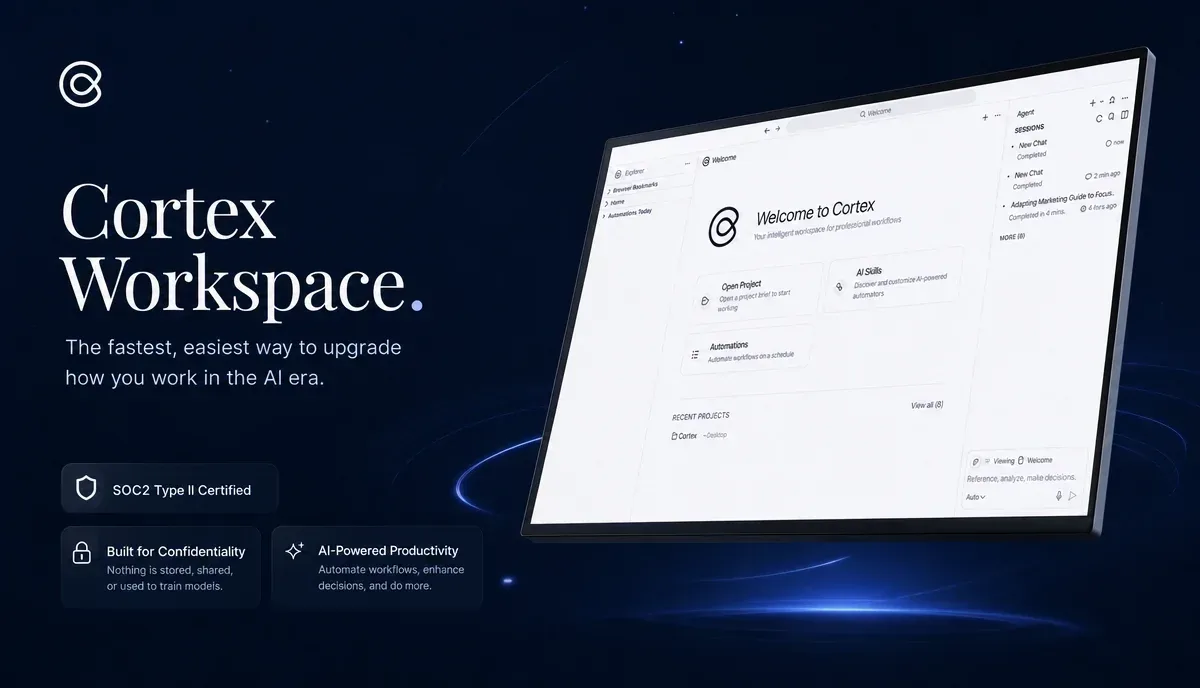
- User-Friendly Interfaces: Simplifying training and accelerating adoption across your team. Cortex’s desktop-first design is as simple to use as your familiar file explorer, requiring no advanced prompt engineering.
- Robust Security: Protecting client data through local-first processing, preventing leaks of sensitive financial information. Cortex Workspace runs locally and ensures your clients' corporate banking data and social security numbers never touch public training datasets.
- Seamless Integration: Fitting directly into your existing software and workflows, such as Word, Excel, QuickBooks, and Xero, rather than forcing you into external web portals.
- Strong Support Services: Ensuring you have expert help during implementation and ongoing operations.
If you are keen to explore other accounting workflows that Cortex can help automate, you can visit the Cortex Accounting Solutions Page.
Incorporating AI into your audit practices is a forward-thinking, strategic move. It enhances efficiency, reduces human error, and uncovers deep insights often missed by traditional, manual checking. As more firms adopt audit ai and related ai audit services, competitive advantages increasingly hinge on secure, context-aware deployments.
As regulatory landscapes and technologies continue to evolve, staying ahead with an integrated AI workspace provides an essential competitive advantage. By letting machines handle the repetitive grunt work, human auditors are empowered to deliver higher-quality, strategic evaluation that clients trust.