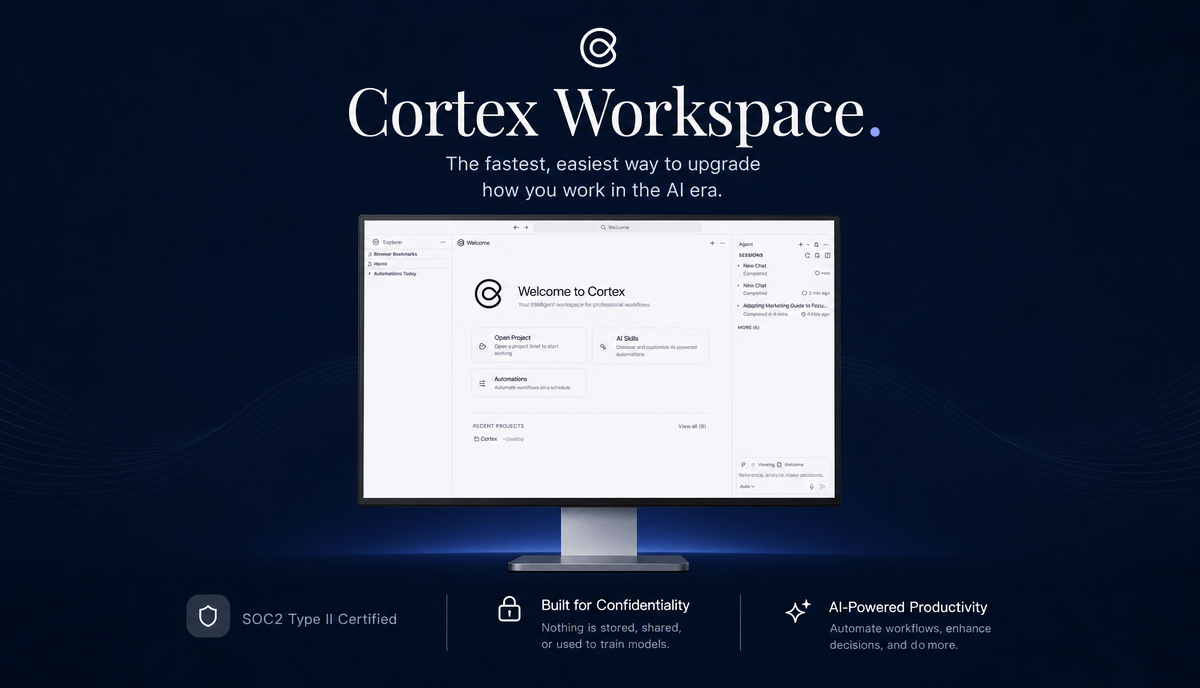
In June 2026, this month gave us two clear snapshots of where AI is heading. At WWDC 2026, Apple unveiled its biggest Siri overhaul in over a decade, introducing a rebuilt assistant with system-wide context and on-screen awareness designed to chain actions across consumer apps, developments that may influence future enterprise productivity tools.
Just 2 days later on June 10, Anthropic shipped Claude Fable 5, a frontier model built for autonomous software engineering and genomic research, which is the kind of "ambitious work" that genuinely pushes the edge of what machines can reason about.

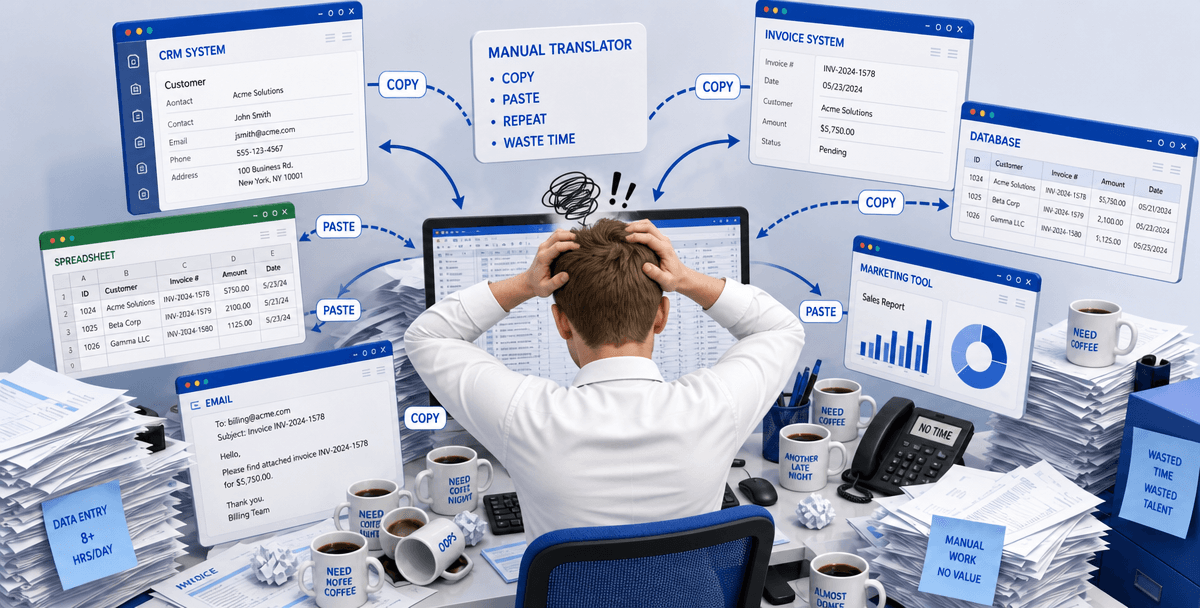
So here's where we've landed: AI is now ready to handle our smallest daily annoyances and our most ambitious scientific work. Both ends of the spectrum, solved. However, the middle that got skipped is exactly where most of us live: the two hours a day of tab-switching, manual data entry, and copy-pasting between systems that do not talk to each other. That unglamorous, high-friction middle is exactly where a desktop AI agent earns its keep.
Siri App Intents fail at corporate workflows because consumer-grade screen awareness cannot execute deep file changes or access non-public legacy systems. Siri can find photos in a conversation or turn a text into a calendar event, but it lacks the specialized tools to manage professional administrative work. For office teams, it behaves like lightweight personal productivity software, not a comprehensive execution layer.
Siri can look at your screen, but it cannot reliably perform heavy office execution. When asked to rewrite complex Excel formulas, batch-rename 200 files in a directory, or fix formatting across a 40-page Word document, the assistant taps out quickly. Consumer on-screen awareness is built for retrieval and navigation, not file reconstruction or the kind of AI business process automation professionals expect.
#Context Fragmentation Remains Unsolved
System-level summarizing and text polishing do not bridge context across unrelated applications. You still shuttle information manually between browser tabs, CRM software, and offline spreadsheets. Siri lacks a unified workspace context, so you spend more time managing app handoffs than automating the end-to-end task, precisely where AI workflow automation tools should remove friction.
Private Cloud Compute is a meaningful step for consumer safety, but it does not satisfy enterprise data compliance standards. No corporate finance or HR team can legally push a sensitive payroll spreadsheet or a contract PDF with confidential terms into a consumer-grade public cloud. Using Siri for professional files risks triggering strict compliance flags.
None of this is a knock on Apple. Siri got dramatically better at being a personal assistant, not your work buddy.
Claude Fable 5 is too expensive and complex for routine grunt work because of high token pricing, over-sensitive safety classifiers, and silent downgrade billing. Even the best AI tools for accountants in 2026 do not need a frontier research model to move rows between spreadsheets or standardize file names. For a deeper cost breakdown, see Is Claude Fable 5 Worth It?.
At $10 per million input tokens and $50 per million output tokens, Claude Fable 5 is roughly double the cost of Opus 4.8. For routine administrative tasks, such as drafting client emails, summarizing compliance documents, or formatting spreadsheets, you are paying semi-truck rates to complete a grocery run.
Because Claude Fable 5 is tuned to identify global cybersecurity and biosecurity risks, its automated classifiers are highly sensitive. Professional users report that the model frequently refuses benign financial Python scripts or flags ordinary spreadsheet data as hazardous, creating sudden productivity walls.
When a query is flagged by Claude's safety filters, sessions can silently downgrade to older models while billing continues at premium Fable 5 rates. You pay frontier prices and receive lower-tier reasoning, a stealth tax on everyday operations.
Cortex Workspace automates daily office work by running as a local desktop AI agent that directly manipulates Microsoft Office, QuickBooks, and corporate web browsers. It acts as a secure, workspace-aware desktop operator that bridges local files and online platforms, workflow AI aligned with how real teams actually work.
According to a 2026 Workday study, 82% of office workers waste up to two hours daily acting as manual "translators" between disconnected software tools. 43% of professionals end their days feeling busy but unproductive. Cortex addresses that structural bottleneck with practical desktop execution rather than API-first integrations alone.
Consider the friction of managing mortgage files, bank statements, and underwriting spreadsheets:
The manual pain: You open a 30-page PDF bank statement, open a separate Excel underwriting spreadsheet, and spend 15 minutes manually transcribing names, monthly deposits, and outstanding liabilities line by line.
The Cortex automated state: You open the documents and issue a natural language command to your desktop agent:
"Extract the borrower's name, monthly income, and total liabilities from the attached bank statement PDF, and write them directly into the corresponding cells in the active Mortgage Underwriting Spreadsheet."
Cortex reads the local PDF, launches the spreadsheet, and fills the precise cells. The entire operation completes in 45 seconds instead of 15 minutes.
Cortex Workspace does not replace professional evaluation. It removes the repetitive browser and copy-paste work that happens before evaluation can start. By containing operations in a local, SOC 2 Type II certified sandbox, sensitive corporate data never leaves your physical device.