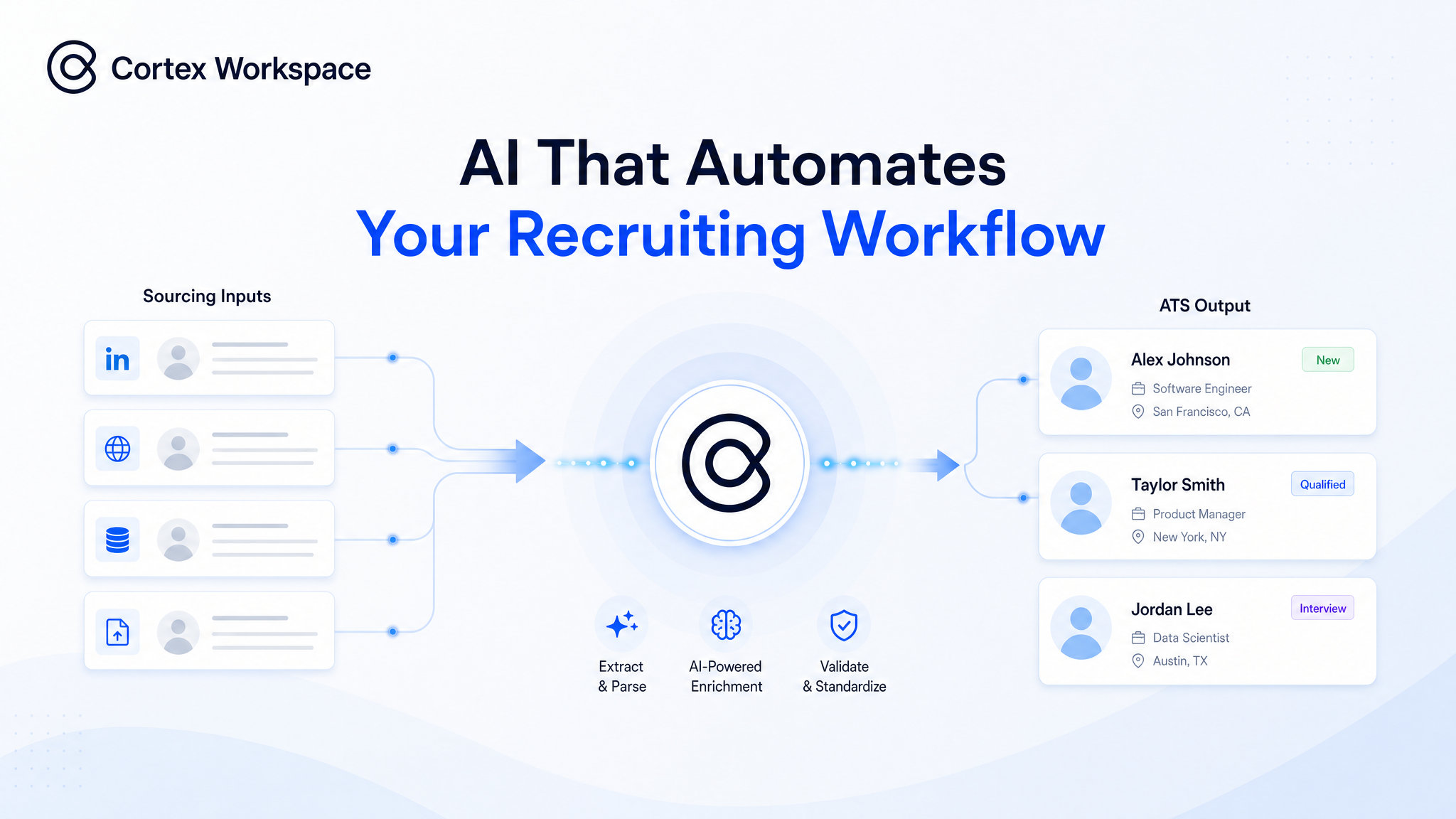
Cortex Workspace automates the full recruiting loop — from searching LinkedIn, Liepin, or Maimai to creating clean ATS profiles in Workday, iTalent, or Gulu — without requiring any API integration or changes to your existing tools. A recruiter processing 10 candidates typically spends 2–3 hours on data entry alone; Cortex Workspace reduces that to minutes.
#What AI Recruiting Automation Covers: Sourcing, Extraction, and ATS Entry
- Automated candidate sourcing — searches LinkedIn, Liepin, Maimai, or any job board by role, skills, location, company background, and years of experience, with no manual tab-switching
- Structured resume collection — downloads resumes and saves them with consistent filenames (e.g.
ZhangWei_BackendEngineer_Shanghai.pdf)
- PDF and Word resume data extraction — reads each file and pulls name, email, phone, education, work history, skills, and location into structured fields
- Direct ATS profile creation — creates or updates profiles in Workday, iTalent, Gulu, or internal tools directly inside the browser interface — no API required
- No new recruiting stack — operates inside the browser-based tools your team already uses
Cortex Workspace is built for recruiting teams, HR operations teams, recruiting coordinators, and companies managing high-volume candidate pipelines.
If your team spends hours every day searching profiles on LinkedIn or Liepin, downloading resumes, checking for duplicates, entering data into Workday or Gulu, or cleaning up ATS entries after the fact — this workflow applies directly to your process.
Recruiters search LinkedIn, Liepin, Maimai, or job boards by role, skill, location, company, and years of experience. They open profiles one by one, judge fit, send outreach, and save resumes into local folders or spreadsheet trackers. One sourcing session for a single role can generate 30–50 open browser tabs.
#ATS Data Entry: 2–3 Hours Per 10 Candidates in Workday, Gulu, or iTalent
Once resumes are collected, recruiters manually re-type candidate information into the ATS — name, email, phone, education, work history, skills, location, and current company — field by field. Before creating a new profile, they search by name, email, or phone to check for duplicates. A recruiter processing 10 candidates can spend 2–3 hours on data entry alone before any recruiting judgment begins.
Cortex Workspace acts as an AI operator across the recruiting tools your team already uses. It does not require recruiters to change their process or adopt a new system. It automates the repetitive browser work inside the existing workflow.
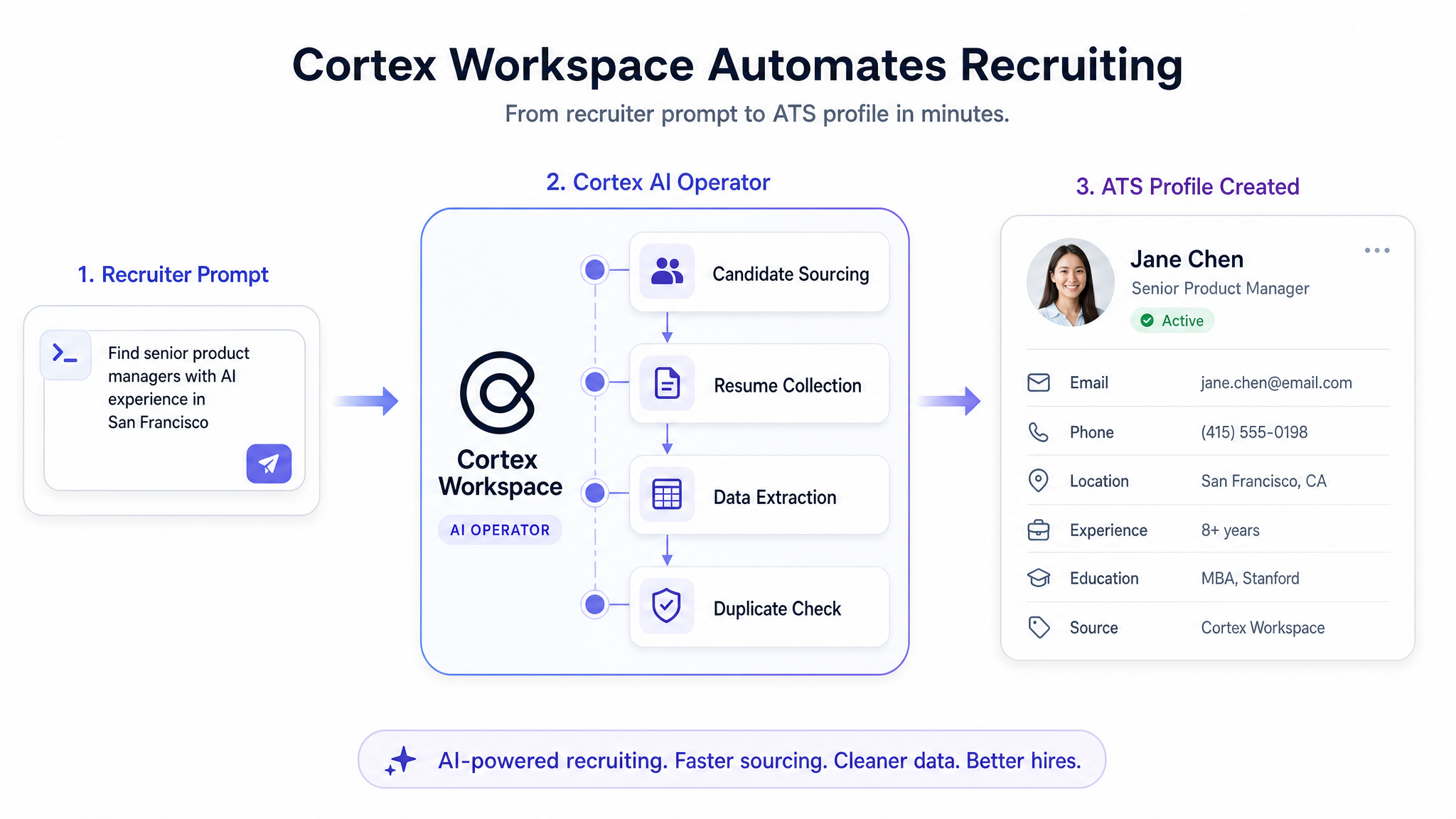
A recruiter gives Cortex Workspace a single instruction:
Find five backend engineers in Shanghai with at least three years of Java experience, save their resumes, check for duplicates in Gulu, and create candidate profiles.
Cortex Workspace executes the full workflow under recruiter supervision — from candidate search to clean ATS profile creation.
Cortex Workspace takes the recruiter's criteria (role, skills, location, target company, years of experience) and searches the selected platform — LinkedIn, Liepin, Maimai, or a job board. It applies filters, opens matching profiles, checks basic fit, and saves qualified candidates for review.
When outreach is part of the workflow, it prepares or sends approved messages using the recruiter's existing template. Resumes are downloaded and saved with structured filenames:
ZhangWei_BackendEngineer_Shanghai.pdf
The recruiter controls the search direction. Cortex Workspace handles the browsing, filtering, messaging, downloading, and file organization.
#Step 2 — ATS Data Entry: From Resume to Clean Candidate Profile
Cortex Workspace reads each resume file and extracts: name, phone, email, location, education, current company, full work history, skills, and years of experience.
It then opens the ATS in the browser, checks for existing records to avoid duplicates, creates or updates the profile, fills in all extracted fields, and attaches the resume file.
Because Cortex Workspace operates inside the actual ATS browser interface, it works with Workday, iTalent, Gulu, or any internal system — no API integration project, no vendor negotiation, no new software rollout.
- Recruiters spend time on judgment, not admin. They stop opening profiles, copying fields, renaming files, and cleaning ATS records — and start deciding who is worth a conversation.
- Cleaner ATS data from day one. Profiles are created with structured fields, attached resumes, and no missing details. Hiring managers get records ready to review, not half-filled placeholders.
- Fewer duplicate records. Cortex Workspace checks by name, email, and phone before creating a new profile — reducing the duplicate backlog that accumulates from old resumes or previous applications.
- Faster pipeline handoff. Sourced candidates move into the ATS the same day they are found, eliminating the data entry backlog before hiring manager review can begin.
Cortex Workspace does not replace recruiter judgment. It removes the browser work that happens before judgment can start.
Candidate sourcing and ATS entry are the entry point. The same AI workflow engine extends into every downstream recruiting task:
- Interview scheduling — check interviewer and candidate calendars, create events, generate meeting links, and send invitations automatically
- Candidate status updates — move candidates between ATS stages based on review outcomes or interview feedback, without manual drag-and-drop
- Feedback collection — collect interviewer notes or scoring responses and update the candidate profile after each interview round
- Document archiving — save resumes, scorecards, offer letters, and background check documents into the correct folder structure automatically
- Pipeline reporting — generate a summary of sourced, contacted, interviewed, advanced, and rejected candidates for any role, on demand
If a recruiting task involves moving data between sourcing platforms, resumes, email, spreadsheets, calendars, and ATS systems, Cortex Workspace can turn it into a repeatable, executable workflow.